
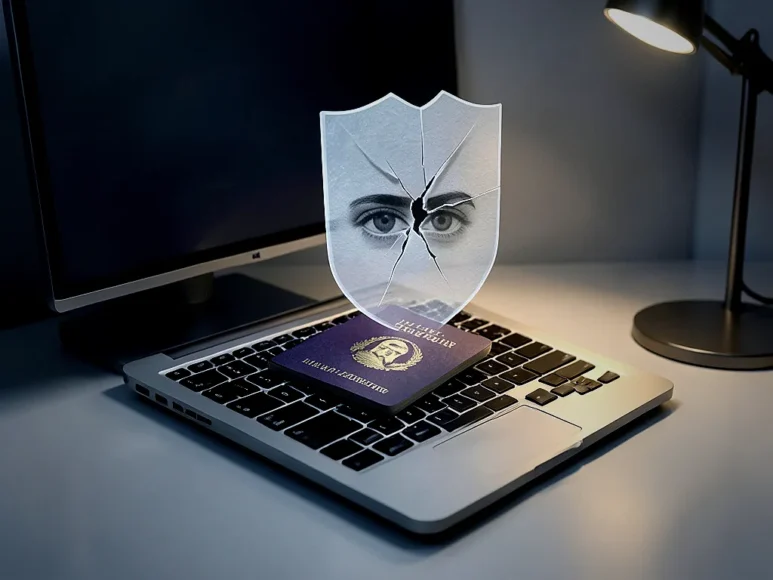
Passports and other identity documents can help banks, government agencies, and websites verify who you are. But sending a passport scan or selfie to an online service creates risks: a data breach or security mistake could expose details that criminals may use for identity fraud, financial account attacks, or convincing phishing attempts.
In May 2026, a reported breach at the third-party UK Visa Portal exposed at least 100,000 passports and selfies. The exposed information reportedly included passport numbers, names, dates of birth, contact details, passport scans, and selfie photographs. This incident illustrates why it is important to check a service before sharing identity documents and to act quickly if a provider reports a breach.
What can criminals do with an exposed passport?
A passport scan contains personal information that can help criminals impersonate you or make scams seem credible. Combined details such as your full name, date of birth, contact information, and passport number may help an attacker target you with tailored phishing messages, attempt identity fraud, or seek access to accounts that rely on identity checks. A selfie submitted alongside a document may also be misused in attempts to impersonate you.
The precise danger depends on which details were exposed, how the receiving organization protects them, and whether criminals can combine them with information from other sources. Treat a passport image as sensitive data, even if you have already shared some of its details elsewhere.
How to reduce the risks before uploading a passport
- Check whether the document is necessary. Ask whether another verification method is available, or whether the organization needs only specific details rather than a complete scan.
- Verify the website and its address. Check the domain carefully for misspellings or unexpected variations. Use the organization’s official website rather than a third-party link in an email, text message, or search result.
- Look for a secure, legitimate portal. A padlock icon alone does not prove that a site is trustworthy. Confirm that the service belongs to the organization you intend to contact.
- Read the privacy notice. Find out why the organization needs the document, how long it will retain it, who may access it, and how you can request deletion.
- Avoid sending documents through email or messaging apps. Use the verified organization’s secure upload process when one is available.
How to spot fake visa and travel websites
Fraudulent websites may imitate government agencies, airlines, or visa services to collect identity and payment information. You might reach one through a phishing link or a malicious search result. Before entering details, compare the web address with the address listed on the relevant government or organization’s official website. Be cautious of unexpected requests, pressure to act quickly, unusual payment instructions, or a site that asks for more personal information than the service appears to require.
A reputable web security service can help block known malicious pages, but it cannot replace checking the destination yourself. If a link seems suspicious, leave the page and navigate to the official website directly.
What to do if your passport details are exposed
If an organization tells you that a breach may have affected your information, first confirm what data was involved and follow the organization’s official guidance. Then take these steps:
- Change affected passwords. Update passwords for accounts that use the exposed credentials or information, and avoid reusing the same password across services.
- Enable two-factor authentication. Add an extra sign-in check to important accounts, especially email and financial accounts.
- Contact your bank or card provider if financial data was exposed. Ask whether you should freeze an account, replace a compromised card, or take other protective steps. Monitor statements and transactions for unfamiliar activity.
- Watch for targeted messages. Treat unexpected calls, emails, and texts that mention your travel, identity, or account details with caution. Do not follow links or share verification codes in response.
- Ask the relevant authority about your passport. Report the exposure and ask whether you should replace or update the document. The right response can depend on the issuing country and the information exposed.
- Report suspected fraud. Contact the appropriate authorities or identity-fraud reporting service in your country.
Do not panic or assume that every exposed document will be misused. Confirm the facts, secure affected accounts, and follow advice from the organization that issued your passport and the service involved in the breach.