
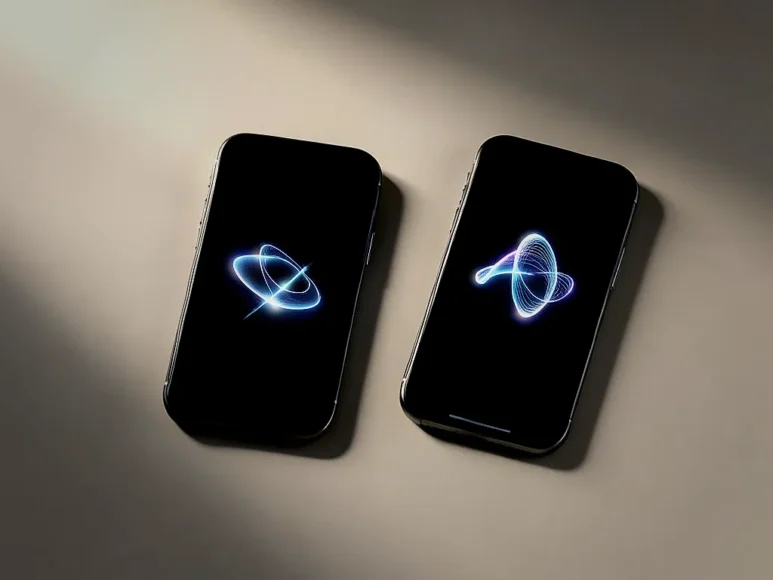
iOS 27.3 is reported to add front-camera face recognition to the iPhone Duo. The feature would let users unlock their phones by looking at the screen, while keeping Touch ID available as an alternative. It is described as a software-based option, not the addition of dedicated Face ID hardware. The feature is currently said to be in beta, with a wider release expected in early December; Apple’s final release notes will confirm availability and supported devices.
What does the iOS 27.3 face recognition feature do?
The reported feature uses the iPhone Duo’s front camera and software to recognize a registered face when the user wakes the screen. If recognition succeeds, the phone unlocks. Touch ID remains available, so users can continue using a fingerprint when face recognition is unavailable or inconvenient.
Because the feature relies on the existing camera rather than a dedicated Face ID sensor system, its performance and security may differ from Face ID on iPhones equipped with specialized hardware. Do not assume the two systems offer identical protection unless Apple confirms that in its documentation.
How to set up face recognition on iPhone Duo
If the option appears on your device after you install iOS 27.3, follow the on-screen instructions:
- Install the update: Open Settings, tap General, then Software Update. Install iOS 27.3 if it is available for your device.
- Open the passcode settings: Go to Settings and look for the face recognition option under Face ID & Passcode or the equivalent security menu shown on your phone.
- Start enrollment: Follow the setup prompts and hold the phone at a comfortable distance in even, natural lighting.
- Move as instructed: If prompted, turn your head slowly so the camera can capture your face from different angles.
- Test unlocking: Lock the phone, wake the screen, and check whether it recognizes you. Keep Touch ID enabled as a backup if the settings allow it.
Menu names and setup steps may change between beta and public releases. Follow the wording on your device rather than relying on an option that is not present.
How well could camera-based face recognition work?
Recognition may depend on lighting, camera quality, the angle of your face, and anything that covers or changes your appearance. Low light can make it harder for a front camera to capture a clear image, while glasses, hats, masks, or substantial facial-hair changes may affect recognition. Actual speed and accuracy should be judged from the released software and device testing, not assumed from beta reports.
For more consistent enrollment, register your face in even lighting, hold the phone, steadily and follow the prompts without rushing. If the system supports an alternate appearance, consider using it for a frequent change such as wearing glasses. Avoid registering several temporary looks unless the device explicitly supports them.
Is the iPhone Duo feature as secure as Face ID?
Not necessarily. Dedicated Face ID systems use specialized hardware, while the reported iPhone Duo feature relies on a front camera and software. Apple is said to store face data locally in encrypted form, but details about the implementation and its resistance to spoofing should be checked against Apple’s official security documentation when the feature launches.
Until Apple publishes those details, users should treat camera-based recognition as a convenience feature with security characteristics that may differ from hardware-based Face ID. Keep a strong passcode enabled, and use Touch ID or the passcode whenever face recognition does not work.
Does face recognition affect battery life or privacy?
Using the front camera more often could have some effect on battery use, but the size of that effect is not established here. Software optimizations may limit unnecessary camera activity. Check battery usage after installing the update if you want to see how the feature behaves on your own phone.
The feature is reported to process face data on the device rather than syncing it through iCloud. Apple’s final privacy documentation should clarify where the data is stored, how it is protected, and what information apps can access. In general, an app should receive an authentication result rather than a copy of a user’s face profile, but verify the exact terms in Apple’s published materials.
Common questions about iPhone Duo face recognition
Does iPhone Duo get hardware Face ID? No hardware addition is described. The reported iOS 27.3 feature uses the existing front camera and software.
When will the feature be available? It is reported to be in beta, with a broader release expected in early December. Apple’s release announcement will confirm the date and device support.
Can users still unlock the phone with Touch ID? Touch ID is reported to remain available alongside face recognition.
Will it work in the dark? Performance may depend on the front camera and available light. The released feature’s actual low-light behavior should be confirmed through testing.
Can users turn it off? The feature is described as optional. Look in the phone’s security settings for controls to disable it or remove a saved face profile.
What iPhone Duo owners should expect
The reported iOS 27.3 feature could offer a convenient alternative to Touch ID, but it should not be confused with hardware-based Face ID. Availability, setup options, privacy details, and security performance remain subject to confirmation in Apple’s final software release and documentation.
Be the first to comment